
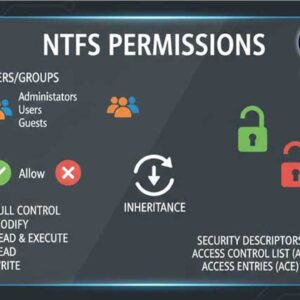
File and folder permissions are essential for securing data in Windows and preventing unauthorized access. These permissions define what actions users can perform on files and folders, ensuring that sensitive information remains… Read More
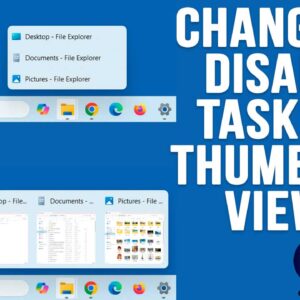
If you have been using Windows 11 for a while, you have probably noticed how limited it is compared to Windows 10 when it comes to customizing things such as the taskbar… Read More
If you have been using a computer, browsing the internet, watching the news or doing just about anything, you probably know about all the AI (Artificial Intelligence) hype going on these days.… Read More
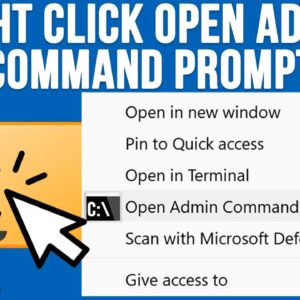
If you use your computer for more than just the basics, you have probably had the need to perform some tasks using the Windows command line. And if you have had to… Read More

Last Updated: April 2026 Secure your data before its too late! Whether you use your computer for business or fun, you’ll agree that few things are more frustrating than losing data because… Read More

As you are probably aware of, AI is taking over everything or at least trying to! So, you have the choice to accept it or fight it but either way, there is… Read More

Communication via email has evolved into a necessary tool in our lives in the digital era. One of the most used email systems, Gmail keeps memories, documents, and significant discussions among other… Read More
File History is the built in Windows file and folder backup tool that has been around for many years. You can use it in Windows 10 and Windows 11, and it works… Read More
Since almost everyone has a smartphone these days, it makes sense that many people would want to connect their phone to their computer to do things such as view and compose text… Read More

Searching for files and folders in Windows can be a tedious task because File Explorer tends to be on the slow side when it comes to searching for files. This is especially… Read More