
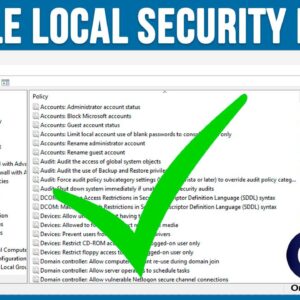
The Windows Local Security Policy Editor is a management tool that allows users to configure and control security settings on a local computer. It is similar to the Group Policy Editor tool… Read More

One of the main benefits of using a GUI (Graphical User Interface) on your computer is that you can use your mouse to click on things as well as drag and drop… Read More
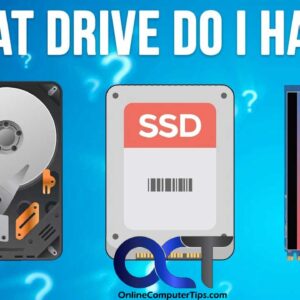
As you probably know, your computer needs a hard drive installed within it to store things like your documents and photos. And of course, it’s also where the operating system such as… Read More
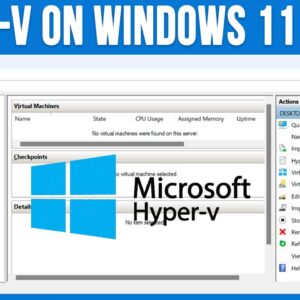
Using virtual machines to run multiple virtual computers on one physical computer is nothing new. But back when virtual machine technology was beginning, we could only run VM on expensive servers that… Read More
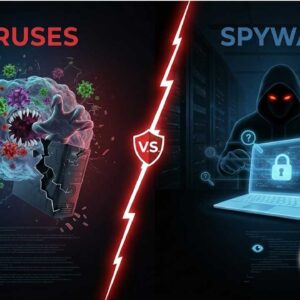
Cybersecurity threats are everywhere, and two of the most common types of malicious software are viruses and spyware. While both fall under the category of malware, they serve very different purposes and… Read More
Microsoft Outlook is one of the most widely used email clients in the world and is used at by your average home user as well as by employees in large corporations. Outlook… Read More
Microsoft Windows has a built in feature that will allow you to speak into your microphone and have your voice transcribed into text and then placed within whichever document or app you… Read More

When it comes to troubleshooting computer problems, sometimes it can be very difficult because you won’t always get a specific error message that tells you the problem or gives you an error… Read More
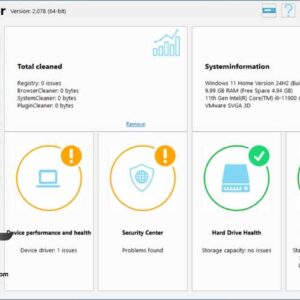
Keeping your computer clean and secure can be a tedious thing to do, but it doesn’t have to be. If you are the type that regularly performs cleanup and maintenance tasks on… Read More
Most home and business computers run Microsoft Windows for their operating systems but there are still many people out there who prefer to use Linux over Windows. You will also find people… Read More