
If you have ever installed Windows, Linux or another operating system on your computer, you most likely downloaded an ISO file to do so. An ISO file is a digital copy of… Read More
As you probably know, the Windows 11 operating system will receive updates on a regular basis. Some of these updates will be for security patches or driver updates and then others will… Read More

Many of us have multiple email accounts that we use for work and personal emails. Within those email accounts, we then have our contact lists. Plus, we have contacts on our smartphone… Read More
If you are the type of person who regularly backs up their computer, and you should be, then you probably know there are different types of backups that you can perform. You… Read More

There are many reasons one might want to clone their hard drive to another hard drive including upgrading to a larger or faster drive or moving your data to a new drive… Read More
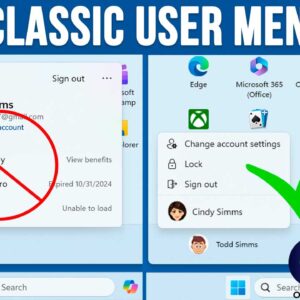
You might have noticed that Microsoft is constantly changing the way Windows 11 looks and functions. And it seems that every time there is a major update, we need to learn new… Read More
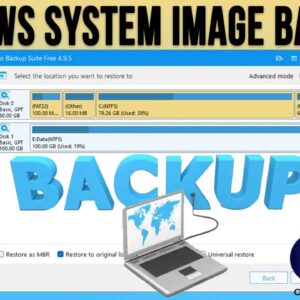
If you are not backing up your computer on a regular basis, you really need to start right away. If you have a hardware or operating system failure, you may find it… Read More
As you probably know, to log onto a computer running Microsoft Windows, you need a user account with a password. You can also use a PIN, fingerprint reader or other device if… Read More
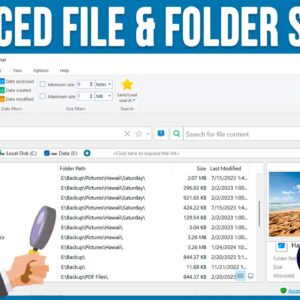
As you probably know, searching for files and folders on your computer can be a tedious task, especially if you are using the Windows File Explorer tool to do so. File Explorer… Read More
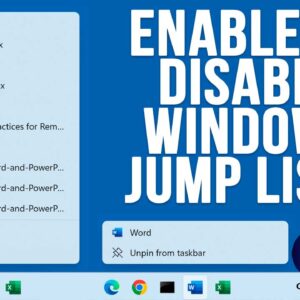
If you have ever right clicked on a program icon or shortcut in the Windows taskbar, you might have noticed that you will see a listing of your recently opened files or… Read More