
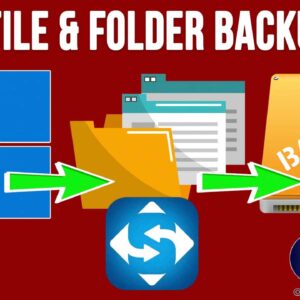
One of the most important things that all computer users should be doing is backing up their computers on a regular basis. It is a very important task and should be a… Read More
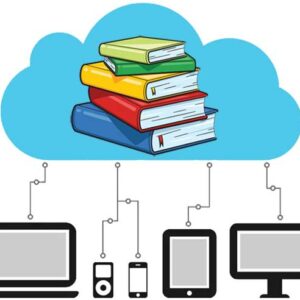
E-libraries have transformed the reading landscape for young readers and teens. They offer access to a vast range of literature that encourages exploration and learning. With Zlibrary the world of reading expands… Read More
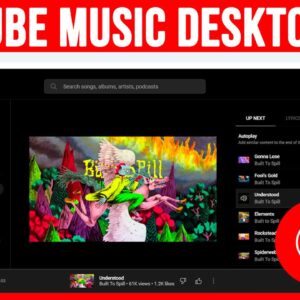
As you probably know, you can find just about anything you want to watch online these days. And when it comes to music, you can head to YouTube to watch anything from… Read More
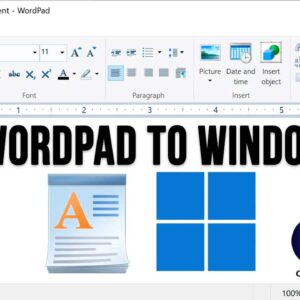
WordPad is an application that comes installed with the Windows operating system and is a very simplified version of the Microsoft Word program that you can buy and install on your PC.… Read More
YouTube is the largest video sharing platform in use today. And if you don’t know already, it’s owned by Google, so they decide what changes are made to the platform. And if… Read More
Many people use USB flash drives to do things such as backup data, transfer files from one computer to another and install operating systems such as Windows and Linux on their PC.… Read More
If you were using a computer that was running Windows 10 before your current Windows 11 PC, then you have most likely noticed many of the differences between Windows 10 and Windows… Read More
Microsoft Office, which consists of various applications such as Word, Excel, PowerPoint and Outlook comes with a variety of fonts that you can use within your documents, spreadsheets, presentations and emails. And… Read More
Two of the most common document formats in use these days are Microsoft Word documents and Adobe PDF (Portable Document Format) files with Google Docs files near the top as well. In… Read More
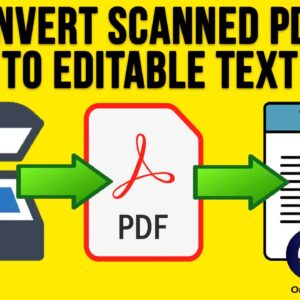
For those who still use desktop scanners to scan their documents to a digital format, you might run into the problem where you cannot edit or copy the text from your scanned… Read More