
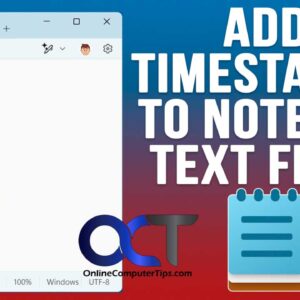
The Windows Notepad app is one of the more commonly used Windows applications and has been around since the first version of Windows itself. Many people use it for things such as… Read More
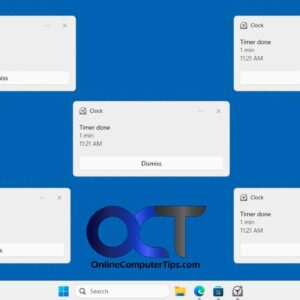
When it comes to our electronic devices, we tend to get notified on a regular basis about things we either care or don’t care about. If you are a Microsoft Windows user,… Read More
If you have ever installed Microsoft Windows on your computer, you know that Microsoft requires you to sign in using a Microsoft Account. This setup provides a seamless experience across all your… Read More

Having multiple user accounts on a computer is nothing new. Many people like to have more than one user account in Windows for things such as a secondary local admin account. Or… Read More
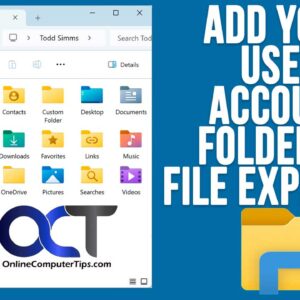
Even though there have been several versions of Microsoft Windows throughout the years, the basic functionality has remained fairly consistent, especially when it comes to managing your files and folders. As you… Read More
Even though Windows 10 has been out for several years, many Windows 11 users are still not happy with the lack of customization you can do in Windows 11 in regard to… Read More
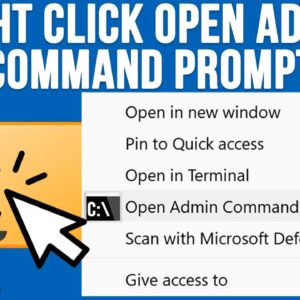
If you use your computer for more than just the basics, you have probably had the need to perform some tasks using the Windows command line. And if you have had to… Read More
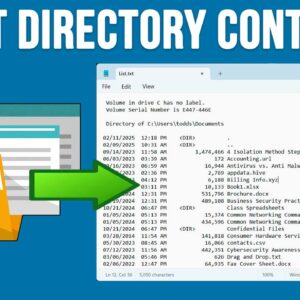
If you are like most people, you have created many files and folders on your computer, and sometimes it can get a little tough trying to manage all these files and folders.… Read More
The Microsoft Windows operating system allows you to have multiple user accounts on the same computer. That way, each person who uses the shared computer will have their own desktop, user folders… Read More
If you have been using Microsoft Windows for any amount of time, you have most likely noticed how much extra stuff comes included with the operating system such as all the default… Read More