

Telecommuting at its finest Nothing tests how productive you really are like working from home. Some might enjoy the flexibility while others find it hard to focus and reach out to… Read More

High quality YouTube to MP3 conversions Most people are clueless about how to extract music from videos. There are usually those times when we come across some great music available in videos… Read More
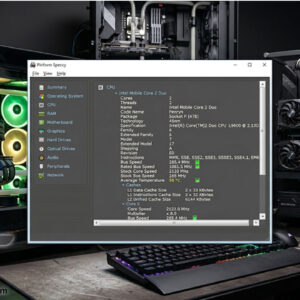
Some people know what hardware is in their computer or at least have a good idea of what’s under the hood. But many people buy their computers from the store already put… Read More
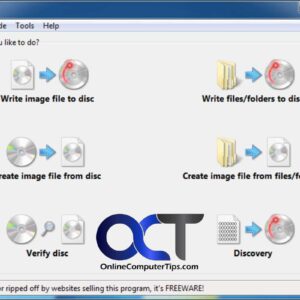
If you have been using a computer for some amount of time then I am sure you have burned a CD or DVD on it to make a music or data CD… Read More

If you are any type of PC power user then there most likely was a time when you needed to boot your PC or server from something besides the hard drive to… Read More

Check out these great tips to help your user research process User research is one of the most important strategies for businesses that use websites to master. It refers to the… Read More

Learn how to share your memories with the world! Ever since the invention of the smartphone, everyone thinks they are a videographer and spends more time recording on their phone than they… Read More

Get rid of those pesky backgrounds in your images **Note** – If you do not have Paint 3D installed on your computer, here is a way to add it back to Windows.… Read More
Record your screen with no additional software to install There are so many things that the browser can do now. In many cases, it even replaces the software, and even the browser… Read More

Tips to keep your Mac running smoothly If you have many unused apps on the Mac, over time, you can experience some issues with the device’s performance. You may notice freezing… Read More