
Many people use USB flash drives to do things such as backup data, transfer files from one computer to another and install operating systems such as Windows and Linux on their PC.… Read More
If you consider yourself a Windows or general PC power user, then you will need to know how to manage your hard drives so you can do things such as install Windows… Read More
If you were using a computer that was running Windows 10 before your current Windows 11 PC, then you have most likely noticed many of the differences between Windows 10 and Windows… Read More
With hard drives becoming larger and larger in size while still being reasonably cheap, it makes sense that many people would want to upgrade their computer with some extra storage space. You… Read More

The landscape of content creation is evolving at a rapid pace. Among the technological advancements shaping the industry, audio to text technology stands out as a game-changer. This innovation is not only… Read More
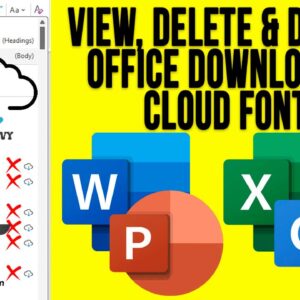
Microsoft Office, which consists of various applications such as Word, Excel, PowerPoint and Outlook comes with a variety of fonts that you can use within your documents, spreadsheets, presentations and emails. And… Read More
As you probably know, to log onto a computer running Microsoft Windows, you need a user account with a password. You can also use a PIN, fingerprint reader or other device if… Read More
File Explorer is the tool used in Microsoft Windows to access your files and folders and being able to effectively manage your files and folders is essential to be a proficient Windows… Read More
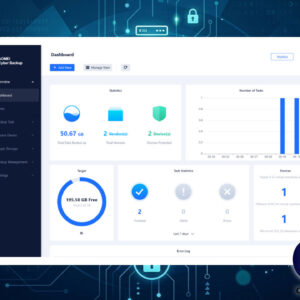
The smooth running of your business relies heavily on Windows servers, but the risk of data loss is always present. Whether it’s a hardware failure, a network risk, or a system malfunction,… Read More
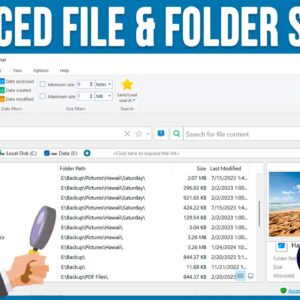
As you probably know, searching for files and folders on your computer can be a tedious task, especially if you are using the Windows File Explorer tool to do so. File Explorer… Read More