
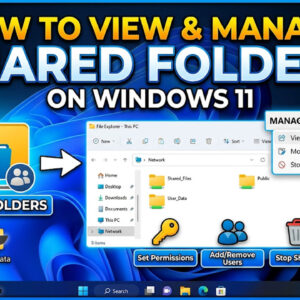
Sharing files and folders is nothing new for Microsoft Windows users. If you have a home or office network, you can easily share folders so other people can access your files from… Read More
Sharing files and folders in Windows is nothing new and you may have configured some shared folders and printers on your computer at some point. And you might have also noticed that… Read More

Windows uses a “Page File” (also known as Virtual Memory) as a temporary overflow area on your hard drive when your physical RAM is full. Without a functioning paging file, your computer… Read More
With today’s computers getting faster and hard drive capacity getting larger, it makes sense that you would want to take advantage of these newer technologies so you can achieve the best performance… Read More
**Update – If you want to stay on Windows 10 past the October 2025 end of support date, Microsoft is now offering you three ways to extend your Windows 10 support until… Read More
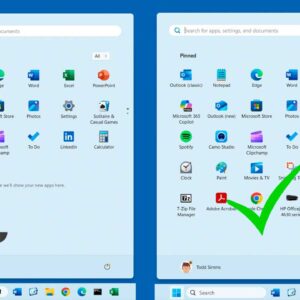
If you are running Windows 11 on your computer and were previously running Windows 10, you have most likely noticed the lack of customization options for things such as the start menu… Read More
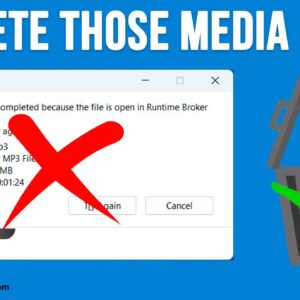
There are many types of media files you can play on your computer such as MP3 music files or MP4 or AVI video files. And most Windows users tend to use the… Read More
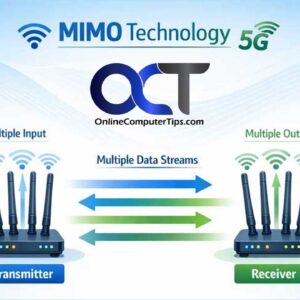
MIMO stands for Multiple Input Multiple Output, a wireless communication technology that uses multiple antennas at both the transmitter and receiver ends to improve data throughput and reliability. Unlike traditional single-antenna systems,… Read More
**Update – If you want to stay on Windows 10 past the October 2025 end of support date, Microsoft is now offering you three ways to extend your Windows 10 support until… Read More
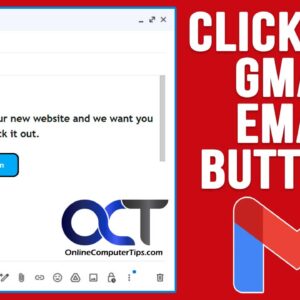
These days, most of us have at least one email address, if not multiple email accounts with different services such as Outlook, Yahoo, iCloud Mail and so on. Gmail is one of… Read More