
If you are an avid PC user or even like to build your own computers, you are most likely aware of how fast technology is advancing when it comes to performance and… Read More
With hard drives getting faster and larger on a regular basis, it makes sense that you might want to upgrade your computer with a new hard drive such as an NVMe drive… Read More
With hard drives getting larger and faster all the time, it makes sense that you might want to upgrade your drive to gain some additional performance from your computer. Or you may… Read More
As you probably know, you need a hard drive installed in your computer to install an operating system such as Windows, Linux or macOS. You also use your hard drive to install… Read More
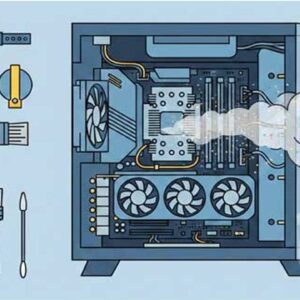
Just like any other item in your home or office, your computer needs regular cleaning to stay in top shape. Over time, dust, dirt, smoke, and even pet hair can accumulate inside… Read More
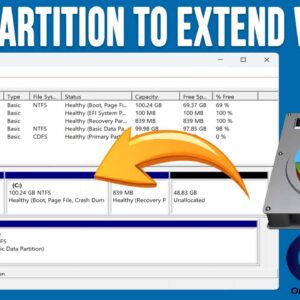
If you are the type who likes to work on your own computer and do things such as install Windows, upgrade your hardware or even build your own computer from scratch, then… Read More
With hard drives getting larger and cheaper and faster at the same time, there is no reason to be running out of room on your disks. If you have an older hard… Read More
With today’s computers getting faster and hard drive capacity getting larger, it makes sense that you would want to take advantage of these newer technologies so you can achieve the best performance… Read More
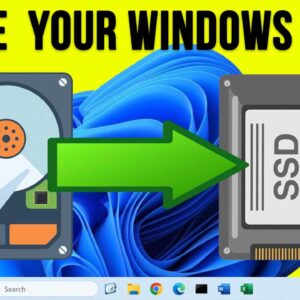
Cloning your hard drive is a popular procedure that many Windows users seem to be doing these days. It’s a great option if you want to upgrade to a larger or faster… Read More
With security being an ever growing issue these days, we all need to make sure that our computers are protected from things such as viruses, malware, ransomware, phishing attacks and even other… Read More