
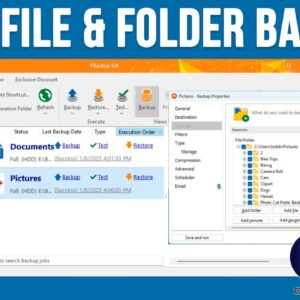
Backing up your computer is one of the most important file management tasks you should be performing on a regular basis. Because if you do not back up your important files and… Read More

Having multiple user accounts on a computer is nothing new. Many people like to have more than one user account in Windows for things such as a secondary local admin account. Or… Read More
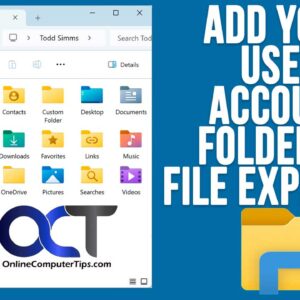
Even though there have been several versions of Microsoft Windows throughout the years, the basic functionality has remained fairly consistent, especially when it comes to managing your files and folders. As you… Read More

Even though Windows 10 has been out for several years, many Windows 11 users are still not happy with the lack of customization you can do in Windows 11 in regard to… Read More

If you use your computer for more than just the basics, you have probably had the need to perform some tasks using the Windows command line. And if you have had to… Read More
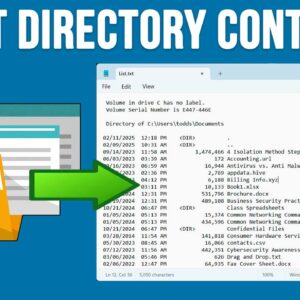
If you are like most people, you have created many files and folders on your computer, and sometimes it can get a little tough trying to manage all these files and folders.… Read More
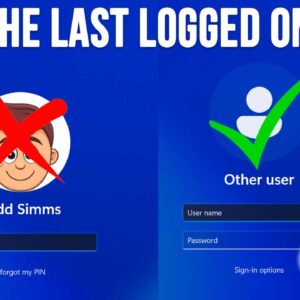
The Microsoft Windows operating system allows you to have multiple user accounts on the same computer. That way, each person who uses the shared computer will have their own desktop, user folders… Read More

As you are probably aware of, AI is taking over everything or at least trying to! So, you have the choice to accept it or fight it but either way, there is… Read More
If you have been using Microsoft Windows for any amount of time, you have most likely noticed how much extra stuff comes included with the operating system such as all the default… Read More

Microsoft Word is probably the most popular word processing application in use today. It comes with the Office 365\Microsoft 365 subscription and can be run as a standalone program or even used… Read More