
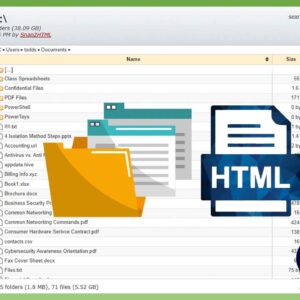
Managing your files and folders is one of the most important skills to have if you want to be a proficient Windows user. Knowing where to find the files you need to… Read More
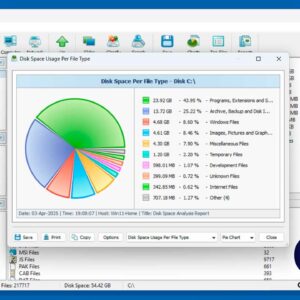
One of the most important skills to master when it comes to using a computer running Microsoft Windows is learning how to properly manage your files and folders. But sometimes it may… Read More
PDF (Portable Document Format) files are very common for many types of documents, forms, letters and so on. You can create PDF files from other types of files such as Word documents,… Read More
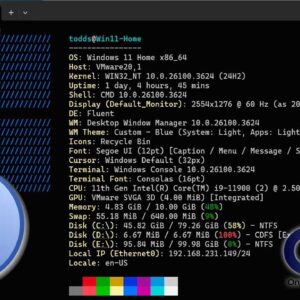
If you consider yourself a Windows power user, then you know there is much more to how Windows works besides a taskbar and start menu. There are many other components such as… Read More
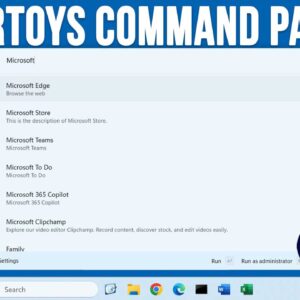
As Windows progresses and new versions and updates are released, Microsoft continues to add new features to its operating system. Even though many people are not happy how Windows 11 lacks some… Read More
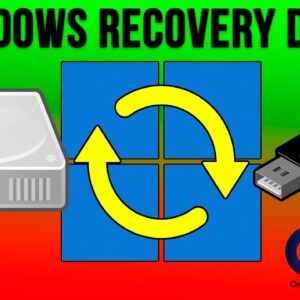
If you have been using Windows as your computer’s operating system, then you know that it has the potential to be problematic and also stop working altogether. You have most likely come… Read More

If you are a Microsoft Windows user, one of the first things you most likely do when you set up your new computer is change the desktop wallpaper. When it comes to… Read More

As you probably know, Google is the king of search engines and they also offer many free services and apps such as Gmail, Docs, Drive and Photos, to name a few. If… Read More
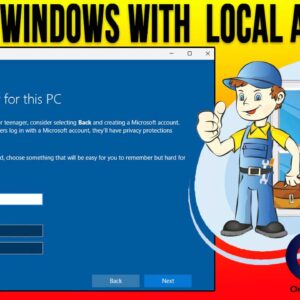
Installing Microsoft Windows is something that every tech enthusiast should know how to do. If you have ever taken on the task of building your own computer, then obviously you will need… Read More
Managing your computer’s hardware is usually one of those tasks that you do once and then never have to worry about afterwards. If you are the type who likes to install Windows… Read More