
If you have ever installed Microsoft Windows on your computer or went through the initial configuration steps on a new computer, you know that Microsoft requires you to sign into Windows using… Read More
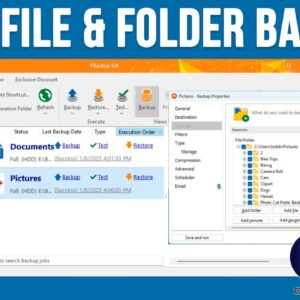
Backing up your computer is one of the most important file management tasks you should be performing on a regular basis. Because if you do not back up your important files and… Read More
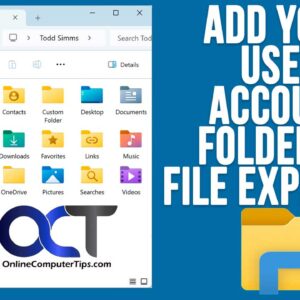
Even though there have been several versions of Microsoft Windows throughout the years, the basic functionality has remained fairly consistent, especially when it comes to managing your files and folders. As you… Read More
If you have been using Microsoft Windows for any amount of time, you have most likely noticed how much extra stuff comes included with the operating system such as all the default… Read More
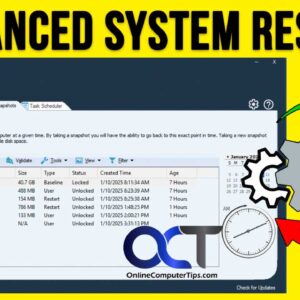
If you are like most people, there has been a time (or many times) when you have had problems with your computer such as it not starting up, running slow, showing constant… Read More
File Explorer has been the default application that is used in Microsoft Windows for years to view your files. Sure, there are third party alternatives such as the OneCommander file manger app,… Read More
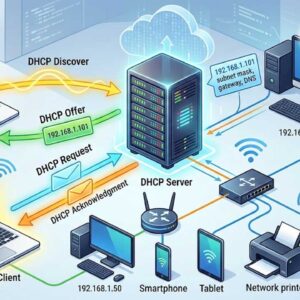
DHCP (Dynamic Host Configuration Protocol) simplifies the management of IP address configuration by automating address configuration for network clients. All computers that participate on TCP/IP networks or the Internet need to have… Read More
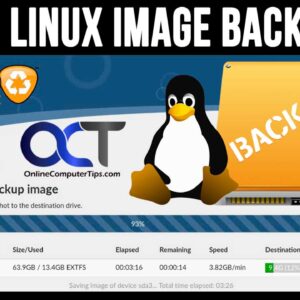
Backing up your computer is an essential task that all of us should be performing on a regular basis. It doesn’t matter if you are running Windows, Linux or macOS, you can… Read More

As you probably know, Microsoft Windows will update your computer on a regular basis with updates such as security patches, device drivers, feature updates and so on. Back in the old days,… Read More
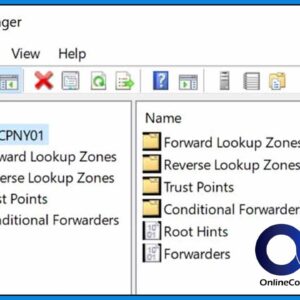
I’m sure you have noticed that when you go online you can type in a website address such as www.onlinecomputertips.com and your web browser will take you to that website. You may… Read More