
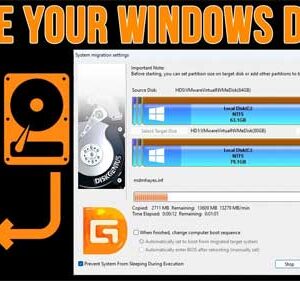
When using our computers, sometimes we end up using too much space on our drives and need to either delete files or move them to another drive, free up space, or even… Read More
When you open an email in Outlook that has a file type that is blocked by default, you will see the file name but you will get a message that says “Outlook… Read More
If you are a Linux user and are running out of hard drive space, have a failing hard drive or want to upgrade to a larger drive without reinstalling everything or maybe… Read More
If you are using a current version of Word and try and save a new document, it would be safe to assume that it would already be using the newest file format,… Read More
If you use a shared computer and have other users on that computer who do not have administrative rights, they might find themselves needing to run certain programs or Windows tools that… Read More
If you are a Microsoft Office user and use the common apps such as Word, Excel and PowerPoint, you might have noticed that when you save your files, they will be saved… Read More

USB flash drives are still used by many of us to transfer files, for backup purposes and even to boot things such as operating system installations or recovery software for troubleshooting purposes.… Read More