

Microsoft Outlook is one of the most widely used email clients in the world and is used at by your average home user as well as by employees in large corporations. Outlook… Read More
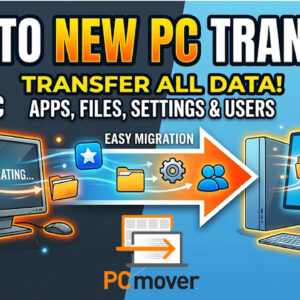
Unboxing a brand-new computer is exciting until you realize you have to manually move all your files, reinstall every application, and reconfigure your settings. Dragging folders onto an external hard drive takes… Read More

With AI technology advancing at such a rapid pace, there are more and more ways that we have to make our lives easier and more efficient by taking advantage of all the… Read More
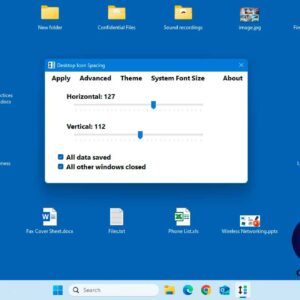
Many people use the Windows desktop to store the files they work on the most rather than using the default Documents folder. It is also a common place to keep shortcuts to… Read More
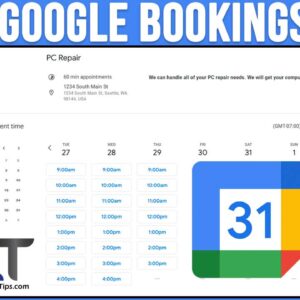
As you most likely know, Google has a multitude of free apps you can access for free as well as some that you will need to pay for. Most people have a… Read More
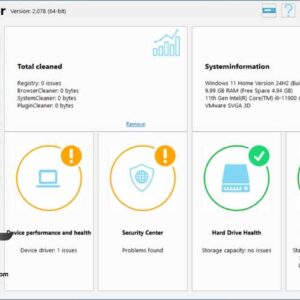
Keeping your computer clean and secure can be a tedious thing to do, but it doesn’t have to be. If you are the type that regularly performs cleanup and maintenance tasks on… Read More

If you have ever pulled a hard drive out of a Linux machine and plugged it directly into a Windows PC, you have likely encountered a major roadblock. Windows will completely refuse… Read More
When you use your Microsoft Windows based computer, you most likely have several programs running at the same time and are constantly switching back and forth between your open windows. You may… Read More
Since Microsoft Windows uses windows to show open apps and programs, it makes sense that you can do things such as minimize, maximize and resize them as needed. Even though these features… Read More

Most people have more than one web browser installed on their computer. If you are a Windows user, then you will have Microsoft Edge installed by default. There are many other browsers… Read More