
Privacy and security have always been important when it comes to the data stored on our computers. Now that everything and everyone is connected, it’s even more of an issue that many… Read More
With many computer users improving their overall tech skills, it makes sense that more and more people are doing things such as building their own computers and installing operating systems on their… Read More
With Windows 10 on its way out and many people upgrading to Windows 11, there has been a lot of talk about switching to Linux since Windows 11 has its share of… Read More
Ever since Windows 11 came out, many people have been complaining about how it’s not as customizable as Windows 10 and can be a bit buggy depending on what version you are… Read More
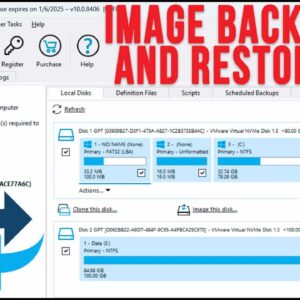
**Macrium Reflect is no longer free so for information on how to clone a hard drive to another disk using the free version of Macrium Reflect, as well as how to download… Read More
As you probably know, most people run Microsoft Windows on their desktop computer while others will run macOS or even Linux. Windows 11 has been out for some time now and many… Read More

In the current online environment, having a robust domain reputation is crucial for fostering trust, facilitating secure communications, and ensuring successful email delivery. Cybersecurity threats such as spoofing and phishing are constantly… Read More
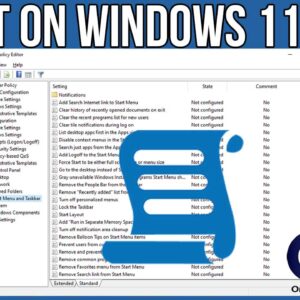
If you consider yourself a Windows power user, then you are most likely used to tweaking the way Windows functions and even how it looks. Depending on your version of Windows, you… Read More
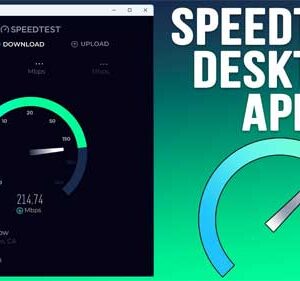
These days, everyone has a super fast internet connection and the days of slow dial up internet are long gone (thankfully!). But how do you know if you are getting the download… Read More
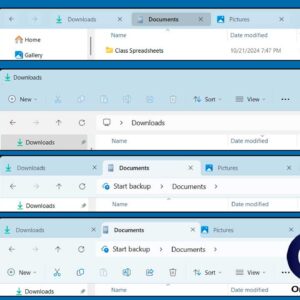
If you have been using Windows 11 for any amount of time and have come from a computer running Windows 10, then you have most likely noticed that you cannot customize or… Read More