
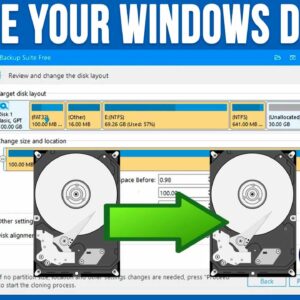
With hard drives becoming larger and larger in size while still being reasonably cheap, it makes sense that many people would want to upgrade their computer with some extra storage space. You… Read More
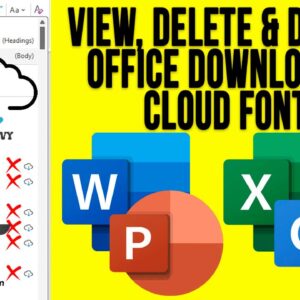
Microsoft Office, which consists of various applications such as Word, Excel, PowerPoint and Outlook comes with a variety of fonts that you can use within your documents, spreadsheets, presentations and emails. And… Read More
As you probably know, to log onto a computer running Microsoft Windows, you need a user account with a password. You can also use a PIN, fingerprint reader or other device if… Read More
File Explorer is the tool used in Microsoft Windows to access your files and folders and being able to effectively manage your files and folders is essential to be a proficient Windows… Read More
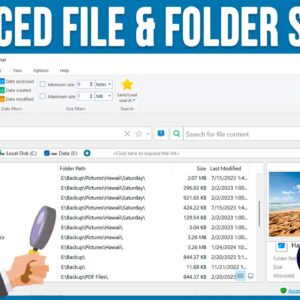
As you probably know, searching for files and folders on your computer can be a tedious task, especially if you are using the Windows File Explorer tool to do so. File Explorer… Read More
Two of the most common document formats in use these days are Microsoft Word documents and Adobe PDF (Portable Document Format) files with Google Docs files near the top as well. In… Read More
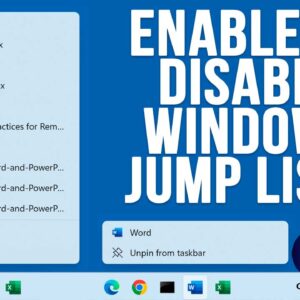
If you have ever right clicked on a program icon or shortcut in the Windows taskbar, you might have noticed that you will see a listing of your recently opened files or… Read More

These days, most people use wireless (Wi-Fi) for their internet connections on their computers at home and maybe even at the office. Now that most computers have built in wireless capabilities, its… Read More
For those who still use desktop scanners to scan their documents to a digital format, you might run into the problem where you cannot edit or copy the text from your scanned… Read More
The Windows Local Security Policy Editor is a management tool that allows users to configure and control security settings on a local computer. It is similar to the Group Policy Editor tool… Read More