
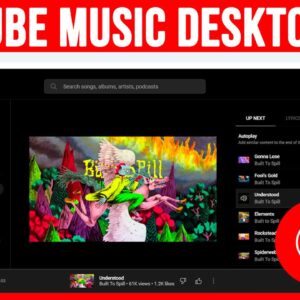
As you probably know, you can find just about anything you want to watch online these days. And when it comes to music, you can head to YouTube to watch anything from… Read More
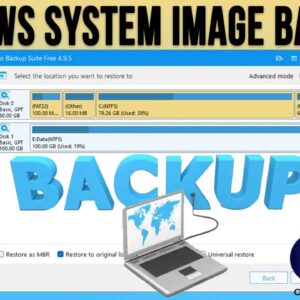
If you are not backing up your computer on a regular basis, you really need to start right away. If you have a hardware or operating system failure, you may find it… Read More
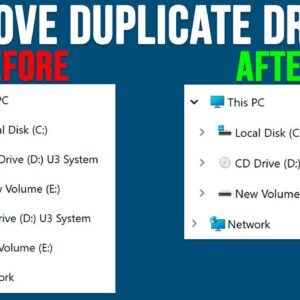
File Explorer is the tool or application used to manage files and folders in the Windows operating system. It’s broken down into several sections such as the toolbar on the top and… Read More
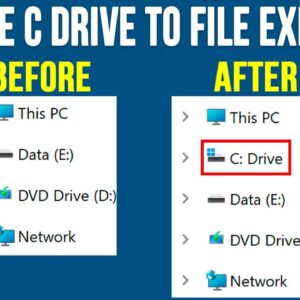
Managing your files and folders is an essential skill everyone should know how to do whether you are running Microsoft Windows or any other operating system. When it comes to doing things… Read More
WordPad is an application that comes installed with the Windows operating system and is a very simplified version of the Microsoft Word program that you can buy and install on your PC.… Read More
Being able to remotely connect to another computer over the network or internet is very helpful when doing things such as working from home or another location or even providing assistance to… Read More
YouTube is the largest video sharing platform in use today. And if you don’t know already, it’s owned by Google, so they decide what changes are made to the platform. And if… Read More
Many people use USB flash drives to do things such as backup data, transfer files from one computer to another and install operating systems such as Windows and Linux on their PC.… Read More
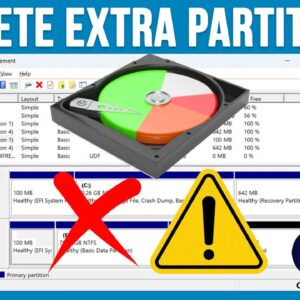
If you consider yourself a Windows or general PC power user, then you will need to know how to manage your hard drives so you can do things such as install Windows… Read More
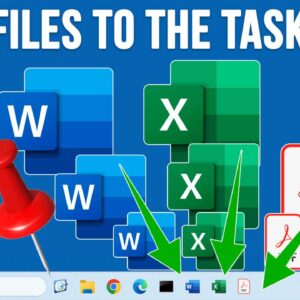
If you were using a computer that was running Windows 10 before your current Windows 11 PC, then you have most likely noticed many of the differences between Windows 10 and Windows… Read More