
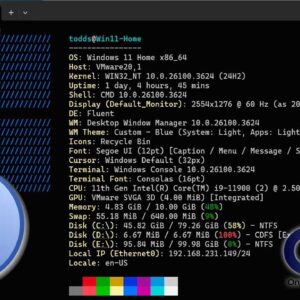
If you consider yourself a Windows power user, then you know there is much more to how Windows works besides a taskbar and start menu. There are many other components such as… Read More
The Windows System File Checker (SFC) has been around for many versions of Windows and hasn’t really changed since it was first introduced. The main reason for using this utility is when… Read More
Managing your computer’s hardware is usually one of those tasks that you do once and then never have to worry about afterwards. If you are the type who likes to install Windows… Read More
As you may have noticed, people are creatures of habit and like to have things be the same way each time they use them. This is no different for our tech devices… Read More
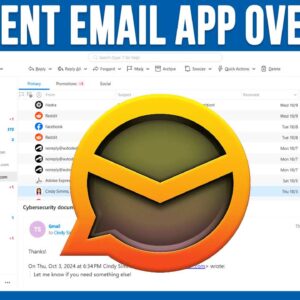
As you probably know, there are many email services to choose from with most of them being free to use. Some of the more common email services include Gmail, Outlook.com and Yahoo.… Read More
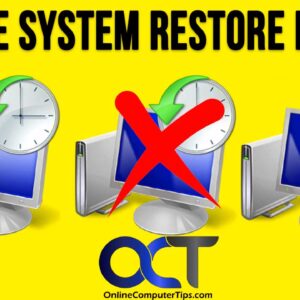
System Restore points are used in Microsoft Windows to restore your computer to a previous state without affecting personal files. They act as snapshots of system settings, installed programs, registry configurations, and… Read More
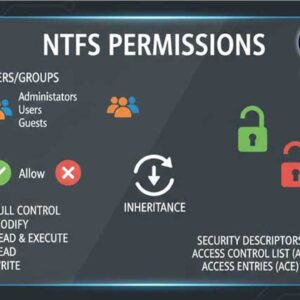
File and folder permissions are essential for securing data in Windows and preventing unauthorized access. These permissions define what actions users can perform on files and folders, ensuring that sensitive information remains… Read More
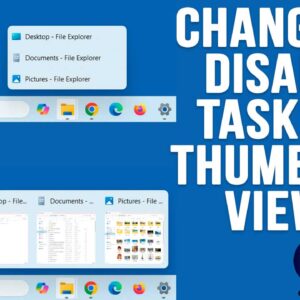
If you have been using Windows 11 for a while, you have probably noticed how limited it is compared to Windows 10 when it comes to customizing things such as the taskbar… Read More
If you have been using a computer, browsing the internet, watching the news or doing just about anything, you probably know about all the AI (Artificial Intelligence) hype going on these days.… Read More
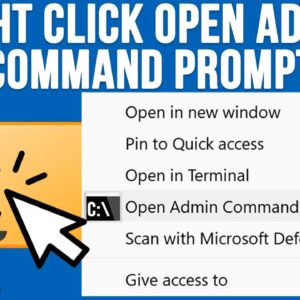
If you use your computer for more than just the basics, you have probably had the need to perform some tasks using the Windows command line. And if you have had to… Read More