
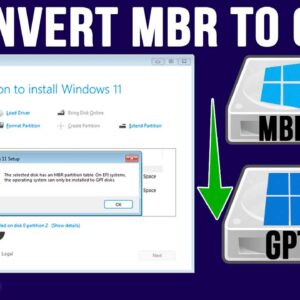
If you have finally decided to take the plunge and switch from Windows 10 to Windows 11, you need to first make sure your computer is ready to run Windows 11. Microsoft… Read More

With hard drives getting larger and cheaper and faster at the same time, there is no reason to be running out of room on your disks. If you have an older hard… Read More
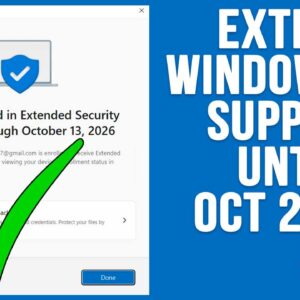
**Update – If you want to see the status of the ESU availability on your computer, check out this video. And if you want a quick way to enroll your computer in… Read More
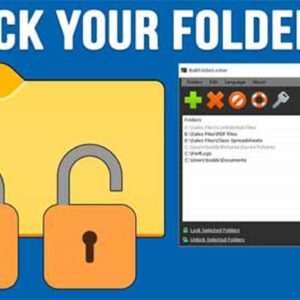
Privacy and security have always been important when it comes to the data stored on our computers. Now that everything and everyone is connected, it’s even more of an issue that many… Read More
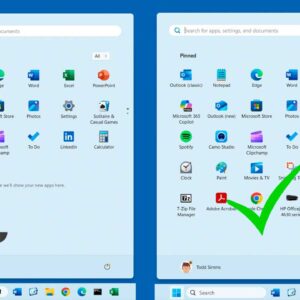
If you are running Windows 11 on your computer and were previously running Windows 10, you have most likely noticed the lack of customization options for things such as the start menu… Read More
**Update – If you want to stay on Windows 10 past the October 2025 end of support date, Microsoft is now offering you three ways to extend your Windows 10 support until… Read More
Networking with Microsoft Windows has been a popular way to share files and folders at the office and even at home since the early days of Windows itself. When you share a… Read More

As you have probably noticed, there has been a push to implement AI into our daily lives by adding it to things such as the Windows operating system and Office apps with… Read More
If you are a Microsoft Windows user, then you most likely use File Explorer to manage your files and folders. And you are probably familiar with the concept of drive letters used… Read More
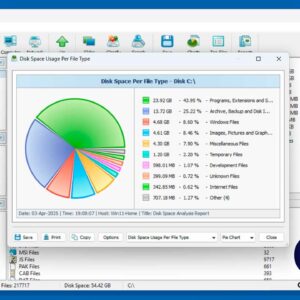
One of the most important skills to master when it comes to using a computer running Microsoft Windows is learning how to properly manage your files and folders. But sometimes it may… Read More