Last Updated on April 8, 2026
I’m sure you know that Windows is not the only operating system you can run on your computer right? Then again there may be many people that haven’t seen any other operating system besides Windows. Of course Windows is by far the most popular OS used on desktop computers and has been pretty much since it came out.
But there are people out there that don’t like Windows and prefer to use just about anything else. While many users look to Linux as a cost-effective alternative to Mac or Windows, the real draw in 2026 is control. Linux gives you absolute ownership over your hardware, free from the mandatory AI tracking and aggressive telemetry found in modern commercial operating systems.
Linux is an operating system that was created by Linus Torvalds in 1991 and is based on the UNIX operating system. Linux has many distributions (flavors) and its source code is freely available to everyone. Most releases of Linux are free while others you must buy and for the ones you buy you are usually just paying for support rather than the OS itself.
Linux is used for a wide variety of purposes including networking, website hosting, FTP site hosting, software development, and as an end user platform. It is a less expensive alternative to other operating systems such as UNIX and Windows. Most distributions offer a graphical user interface (GUI) and these will vary depending on the version of Linux and what GUI you choose to use since there is more than one.
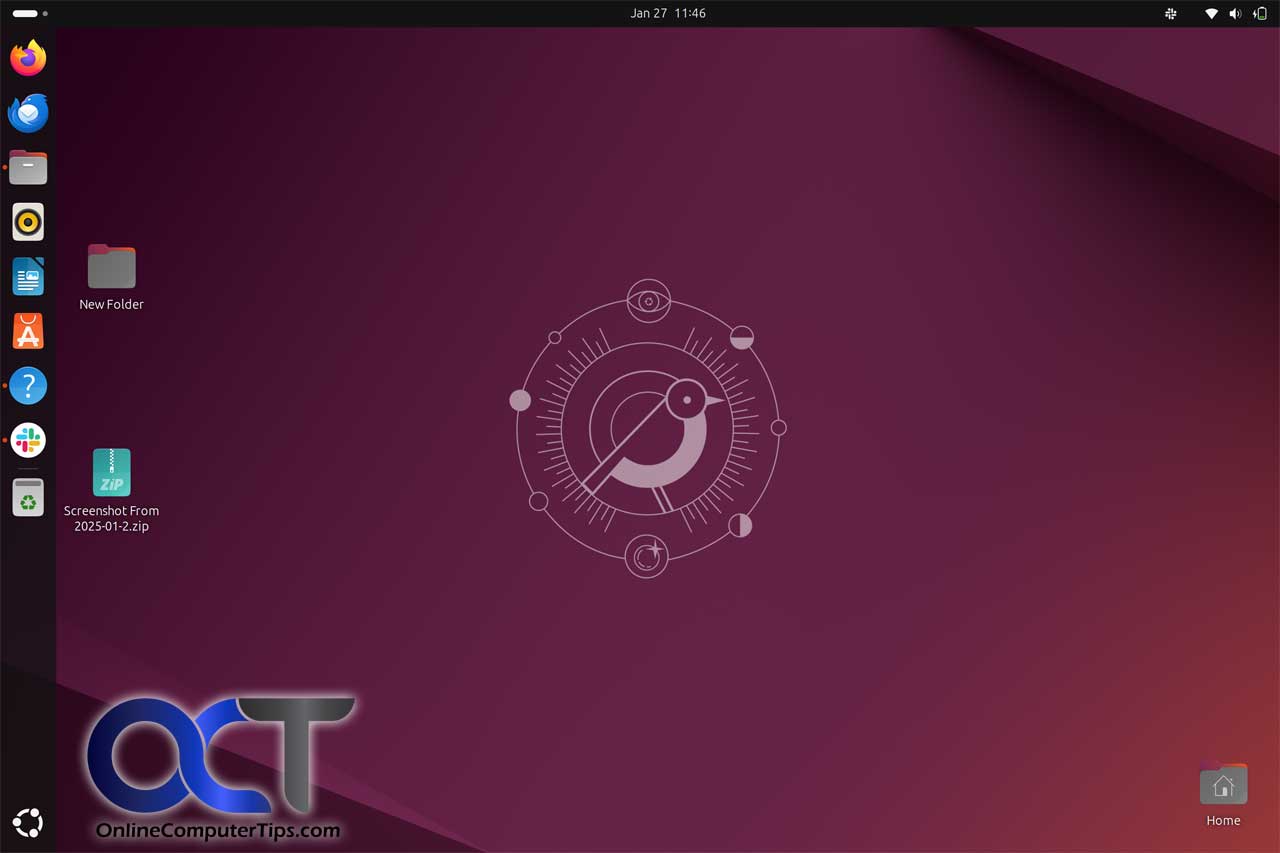
Linux has many benefits over other operating systems.
Price – Lower cost or free.
Customization – The code can be modified by developers to fit their needs.
Low Overhead – Linux can run on older/slower computers.
Security – Well implemented security and low threat for viruses.
Free Software – There is a multitude of free software for Linux that allows you to do almost anything.
Linux does have its disadvantages though.
Ease of setup/use – Linux is not quite as user friendly as Windows. While modern Linux desktops (like KDE Plasma or GNOME) are completely ‘point-and-click,’ learning the Terminal is where the real power lies. Whether you are recovering lost files from a corrupted SD card or managing a web server, the command line allows for a level of precision and automation that a GUI simply can’t match.
Software Availability – There are not nearly as many commercial software titles available for Linux compared to Windows.
Many Distributions to Choose From – Finding the right flavor of Linux may take some trial and error or research to figure out which is best for you.
Interoperability with Windows – If you want to have a Windows/Linux network at home it will take a little more knowledge to get it up and running compared to a strictly Windows network.
Which Linux is Right for You?
For Windows Switchers: Linux Mint (Cinnamon Edition). It provides the most familiar interface for long-time Windows users.
For Maximum Stability: Debian or Ubuntu LTS. Perfect for servers or ‘set it and forget it’ workstations.
For the Curious: Fedora. It offers the latest software features and stays close to the ‘cutting edge’ of Linux development.
The Hybrid Approach: WSL 2. If you’re not ready to leave Windows, install the ‘Windows Subsystem for Linux’ from the Microsoft Store to get a full Linux terminal inside your Windows desktop.
For more information about Linux, check out these Linux Resources.
Linux.org
https://www.linux.org/
Linux Journal
http://www.linuxjournal.com/
Linux.com
http://www.linux.com/
DistroWatch
http://distrowatch.com/