
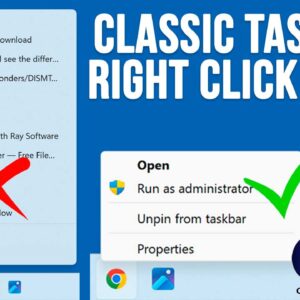
The Windows 11 operating system has been out for several years now yet there are still many people who miss the functionality that we had with Windows 10. This is especially true… Read More
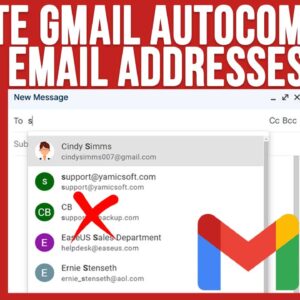
Gmail is one of the largest free email services in use today. It’s provided by Google and is one of their many free Google Apps that you can use such as Docs,… Read More

When it comes to installing an operating system on your computer such as Windows 11, you usually need to either buy a copy of Windows on a flash drive, create your own… Read More
As you may have noticed, people are creatures of habit and like to have things be the same way each time they use them. This is no different for our tech devices… Read More
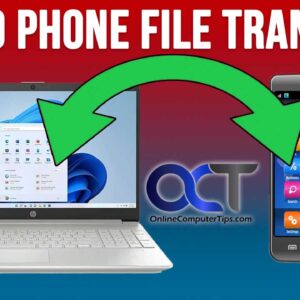
These days, many people use their smartphones more than their computers when it comes to things such as checking email, browsing the internet and social media. But if you are the type… Read More
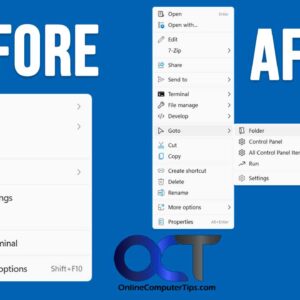
If you have come from Windows 10 to Windows 11, you have probably noticed all the changes that have been made and how some of them actually make you less productive and… Read More

If you are still running Windows 10 and have not made the switch or “upgrade” to Windows 11, then you might be missing out on some new Windows features. Then again Windows… Read More
MPORTANT 2026 UPDATE: Microsoft officially ended standard support for Windows 10 in October 2025. Unless you are enrolled in the Extended Security Updates (ESU) program, your system will no longer receive critical security… Read More
As you probably know, there are many email services to choose from with most of them being free to use. Some of the more common email services include Gmail, Outlook.com and Yahoo.… Read More
You may or may not know that Windows comes with a built in sticky notes application, so you do not have to actually put real Post It Notes on your monitor for… Read More